Affiliate Disclosure: We earn commissions on qualifying subscriptions through our links.
CrushOn AI Download and Setup Guide 2026: Every Platform Covered
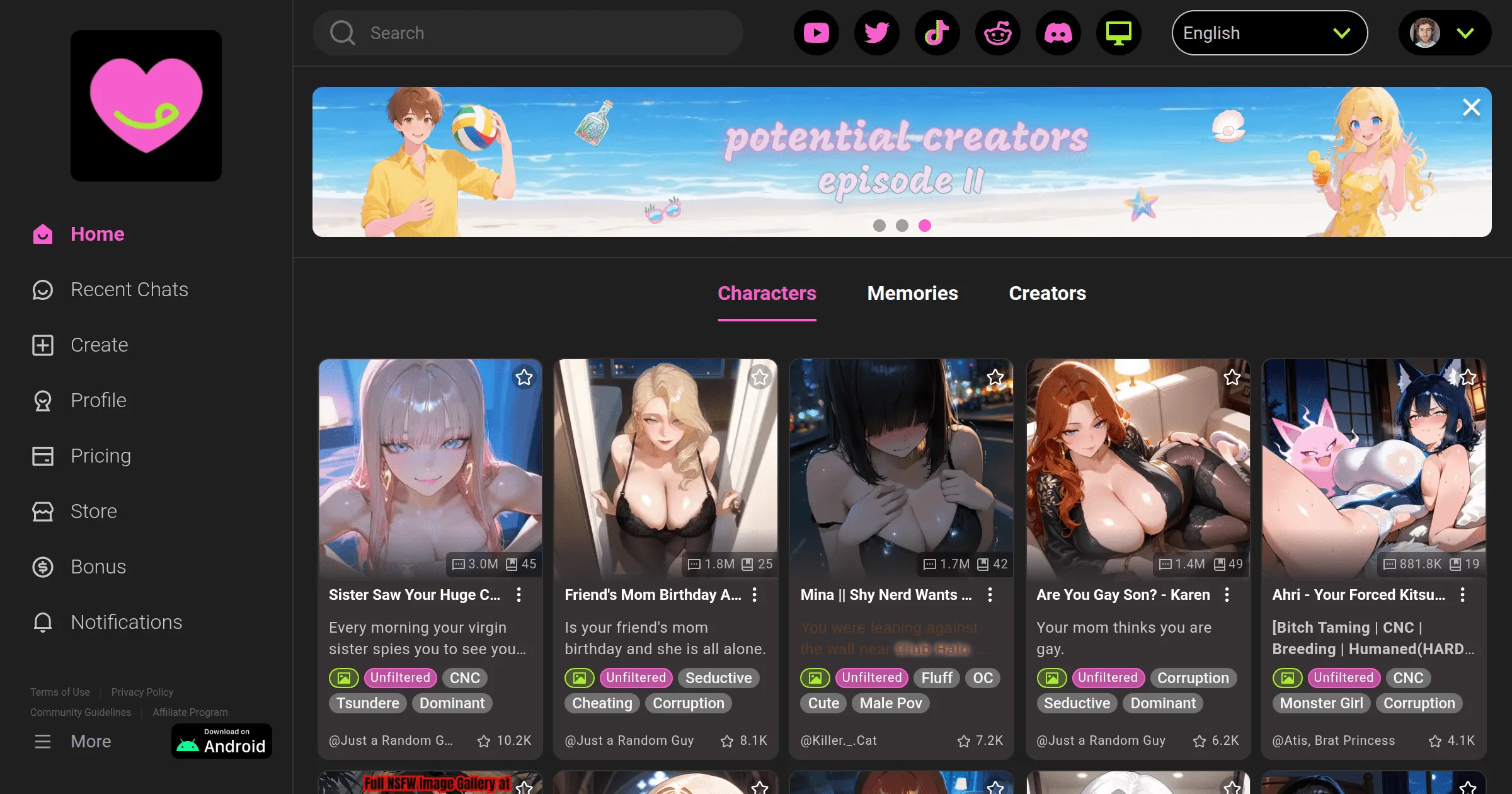
CrushOn AI is available on Android, iOS (limited regions), and web browser. The web version — no download required — is available universally and has full feature parity with the apps. Start there if you want the fastest access.
Option 1: Web Browser (Fastest, Works Everywhere)

Visit crushon.ai in any modern browser on any device. No installation. No app store approval needed. Full feature access.
Desktop (Windows, Mac, Linux): Open Chrome, Firefox, Edge, or Safari. Go to crushon.ai. Register or log in. Everything works in the browser window.
Mobile web (iPhone or Android): Open Safari (iPhone) or Chrome (Android). Visit crushon.ai. For app-like experience on iPhone: tap the Share button in Safari, then "Add to Home Screen." This creates a home screen shortcut that opens the site in full-screen mode without browser UI.
Option 2: Android App (Google Play Store)
- Open the Google Play Store on your Android device
- Tap the search bar and type "CrushOn AI"
- Select the official app by Peekaboo Tech Inc.
- Tap "Install" — the app is free
- Open the app after installation completes
- Tap "Sign Up" and complete registration
The app automatically updates through the Play Store. The current version is approximately v6.5.x (2026). Push notifications and a smoother mobile interface are the advantages over the mobile web version.
If CrushOn AI is not found in Play Store: Your region may have availability restrictions. Download the official APK directly from crushon.ai — look for the Android download option on the homepage.
Option 3: Android APK (Direct Download)
If the Play Store app is unavailable in your region:
- Open a browser on your Android device
- Go to crushon.ai and find the Android APK download link
- Download the APK file
- In Android Settings, go to Security and enable "Install unknown apps" for your browser
- Open the downloaded APK file and tap "Install"
- Disable "Install unknown apps" again after installation
Important: Download APK files only from the official crushon.ai domain. Third-party APK sites are unverified and may distribute modified versions.
Option 4: iOS (iPhone and iPad)
The CrushOn AI iOS app is available in some regions on the Apple App Store, but availability has been inconsistent due to Apple's NSFW content policies.
If available in your App Store:
- Open the App Store
- Search "CrushOn AI"
- Download and install (free)
- Register with email and age confirmation
If not available in your App Store:
Use Safari and the web version with "Add to Home Screen" (described in Option 1 above). This is functionally identical to the app and works on iOS 14 and later.
How to Create a CrushOn AI Account
Registration is the same regardless of platform:
- Go to crushon.ai or open the app
- Click "Sign Up"
- Enter an email address
- Choose a password (or sign in with Google)
- Confirm you are 18 years or older
- Check your email for a verification link and click it
- Choose a username
- Start with the free tier (50 messages/day, no credit card needed)
For paid plan access, see our pricing guide for the plan that suits your needs.
Comparing Access Methods
| Factor | Web Browser | Android App | iOS App |
|---|---|---|---|
| Download required | No | Yes | Yes (where available) |
| Regional availability | Universal | Most regions | Limited |
| Push notifications | Limited | Yes | Yes |
| Auto-updates | Always current | Via Play Store | Via App Store |
| Features available | Full | Full | Full |
| Recommended for | All users | Android daily users | Where available |
Troubleshooting Download Issues
"CrushOn AI not available in your country" (Play Store):
Download the official APK from crushon.ai. The web version is available without regional restrictions.
iOS App Store shows no result:
The app is not currently available in your App Store region. Use the Safari web app option instead.
APK install fails:
Verify "Install from unknown sources" is enabled for your browser in Android Settings. If the install still fails, ensure the APK downloaded completely (check file size — should be several MB, not a few KB).
App crashes on launch:
Update to the latest version via Play Store. If already updated, clear the app cache (Settings > Apps > CrushOn AI > Clear Cache) or reinstall the app. The web version is available as an immediate alternative.
For ongoing technical issues, see our troubleshooting guide.
Ready to try CrushOn AI?
Visit CrushOn AIFrequently Asked Questions
Yes. The web version at crushon.ai works in any browser on any device without installation. It has full feature parity with the mobile apps.
Yes, if downloaded directly from crushon.ai. The official APK is signed by Peekaboo Tech Inc. and is the same codebase as the Play Store version. Third-party APK sites are not verified — avoid them.
Apple's App Store has content policies that conflict with CrushOn AI's NSFW features. The app has been removed from some regional stores due to content review. This is an ongoing challenge for NSFW platforms on iOS; the web version is the standard workaround.
Yes. The Android app works on Android tablets. The web version works on all tablets via browser. The iPad can use the web version via Safari with the "Add to Home Screen" option for an app-like experience.